 Black Deal 50% off the first year with annual billing – only until December 31, 2026.
Kontelio in 9 steps
No sign-up: this is what your bookkeeping looks like with Kontelio. The sample data is made up.
-

Step 1 of 9
Everything at a glance
The dashboard shows open invoices, the year’s income and expenses, VAT (Umsatzsteuer) and your next deadlines.
-

Step 2 of 9
Invoices in just a few minutes
Choose a customer, add the line items, done: Kontelio calculates VAT and totals and assigns consecutive invoice numbers.
-
Step 3 of 9
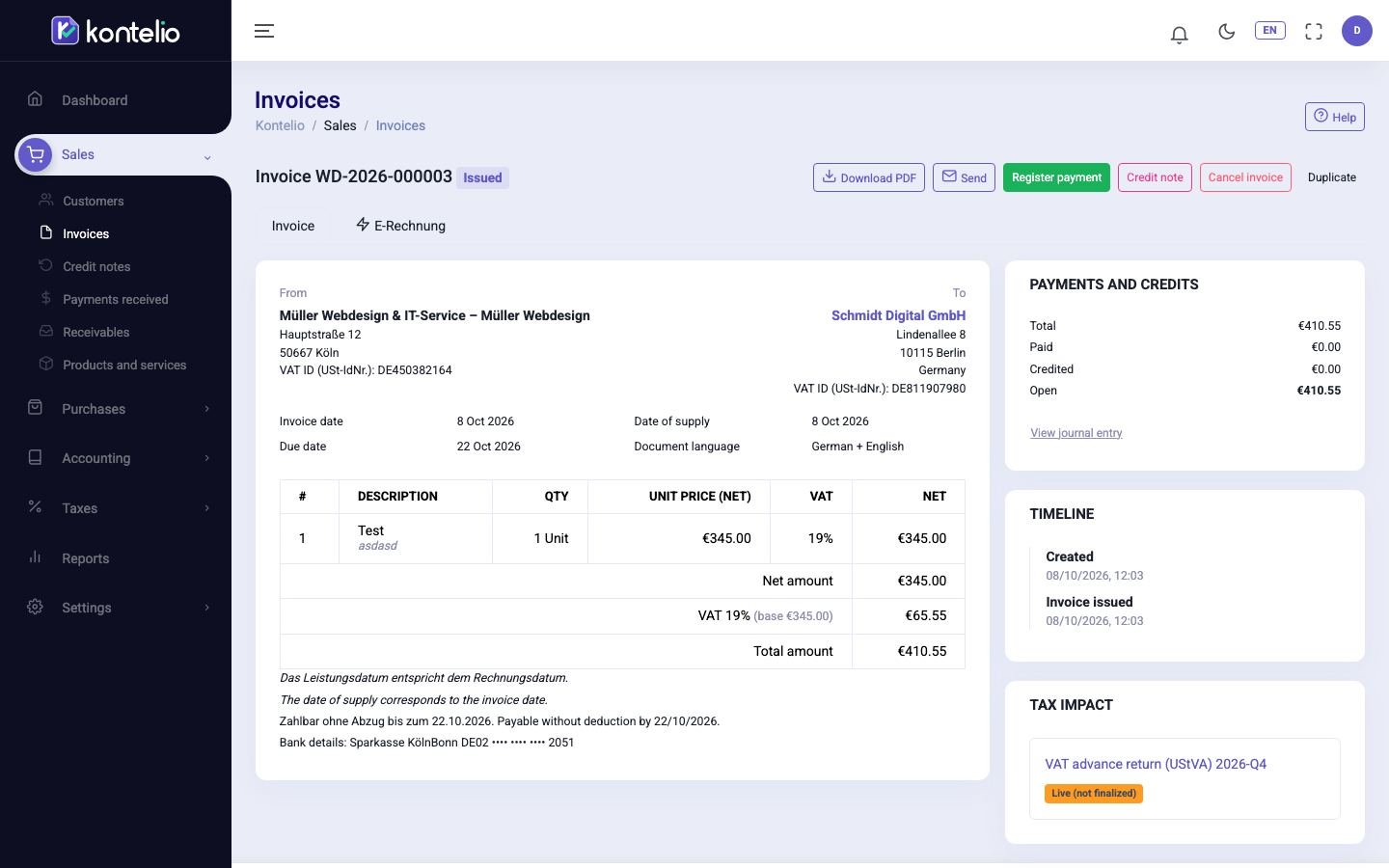
As PDF, ZUGFeRD or XRechnung
Every invoice is available as a PDF and as an e-invoice (E-Rechnung). You send it straight by e-mail and see whether it has been paid.
-

Step 4 of 9
Receive e-invoices
With your own inbox address, your suppliers’ e-invoices (E-Rechnungen) arrive directly in Kontelio – checked and displayed in readable form.
-
Step 5 of 9
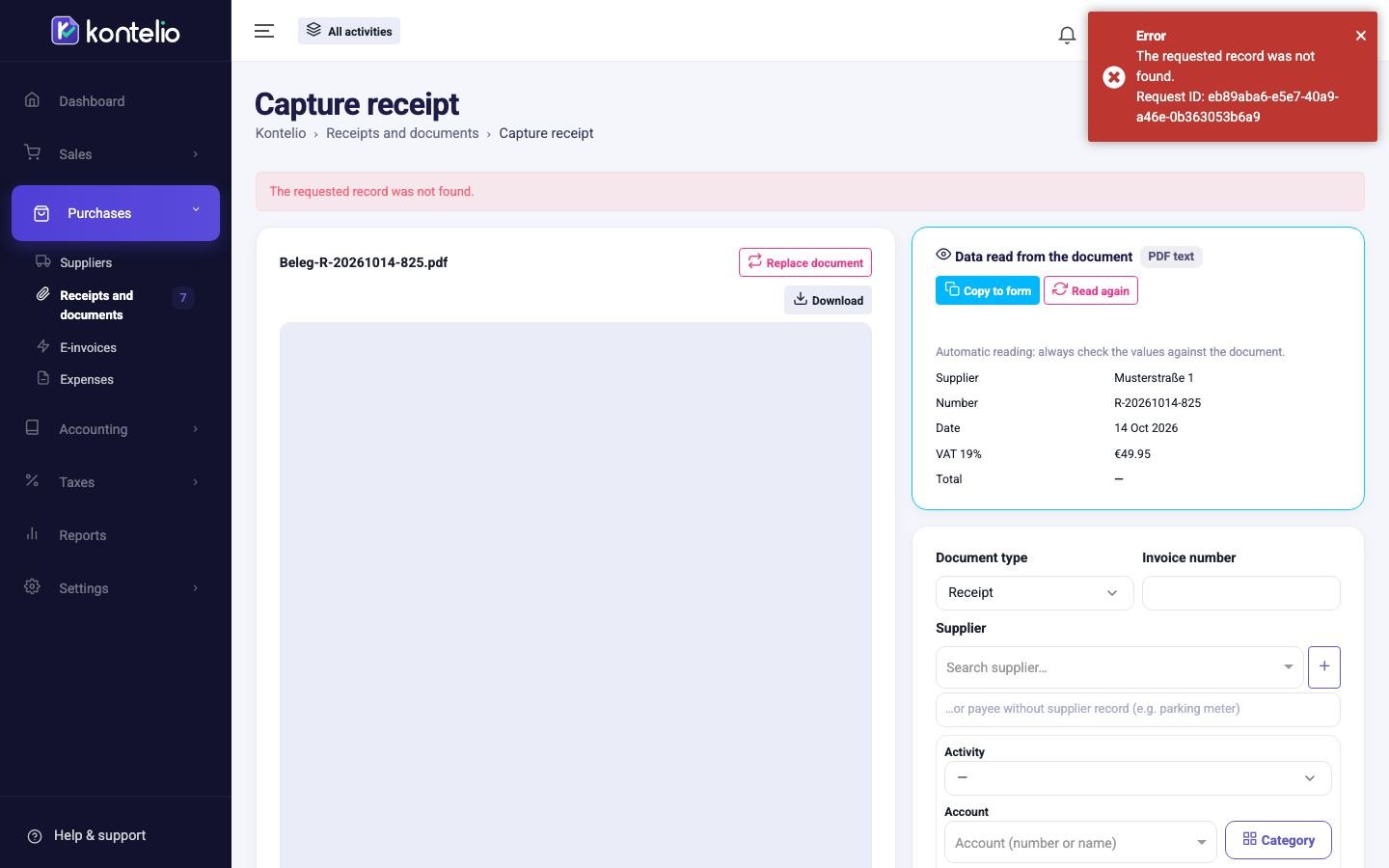
Capture receipts
Upload receipts as a photo or PDF and book them as an expense. Everything is archived in line with GoBD.
-
Step 6 of 9
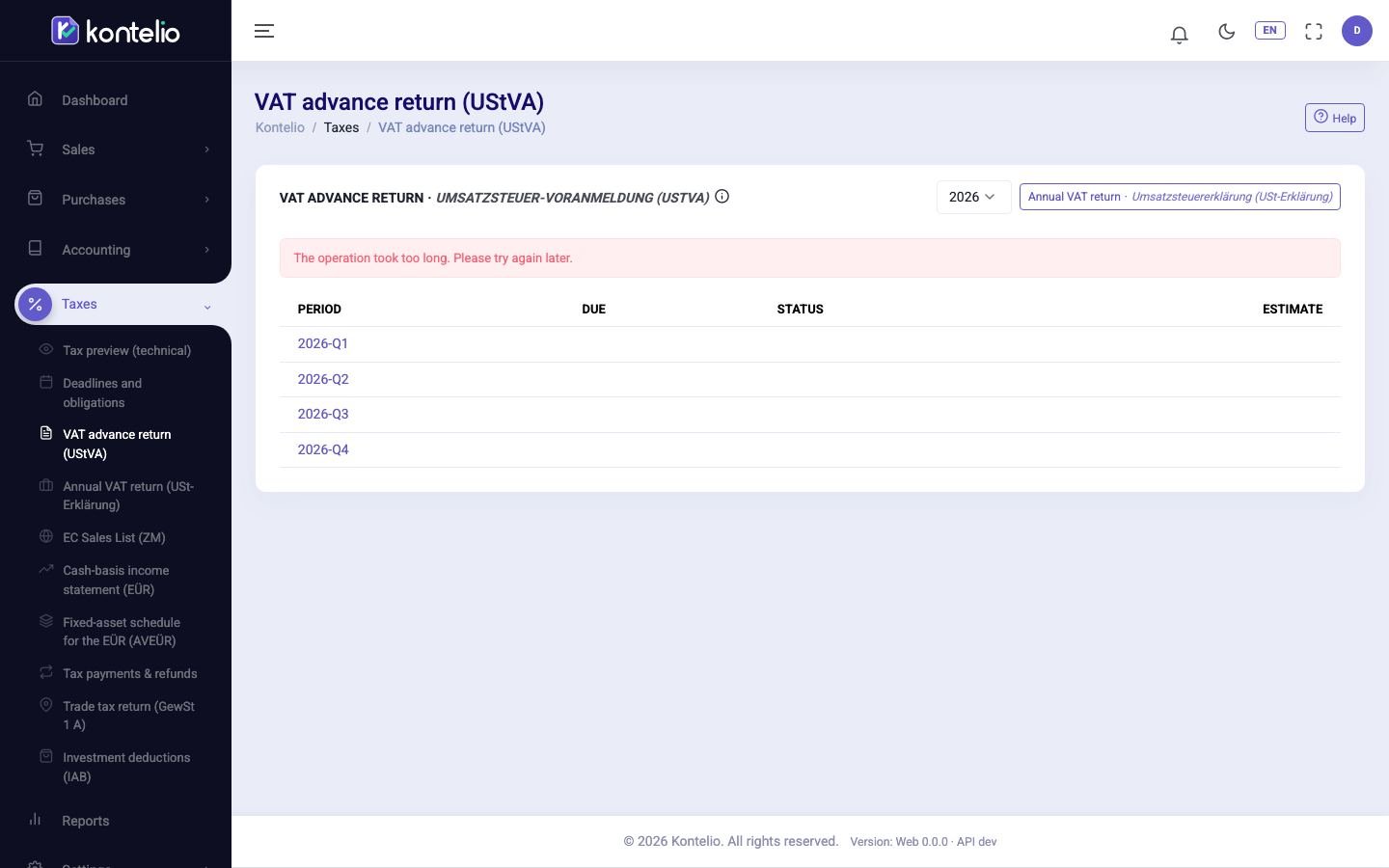
VAT return (Umsatzsteuer-Voranmeldung)
Kontelio calculates the figures of your VAT return (Umsatzsteuer-Voranmeldung) from your bookings and submits it to ELSTER.
-
Step 7 of 9
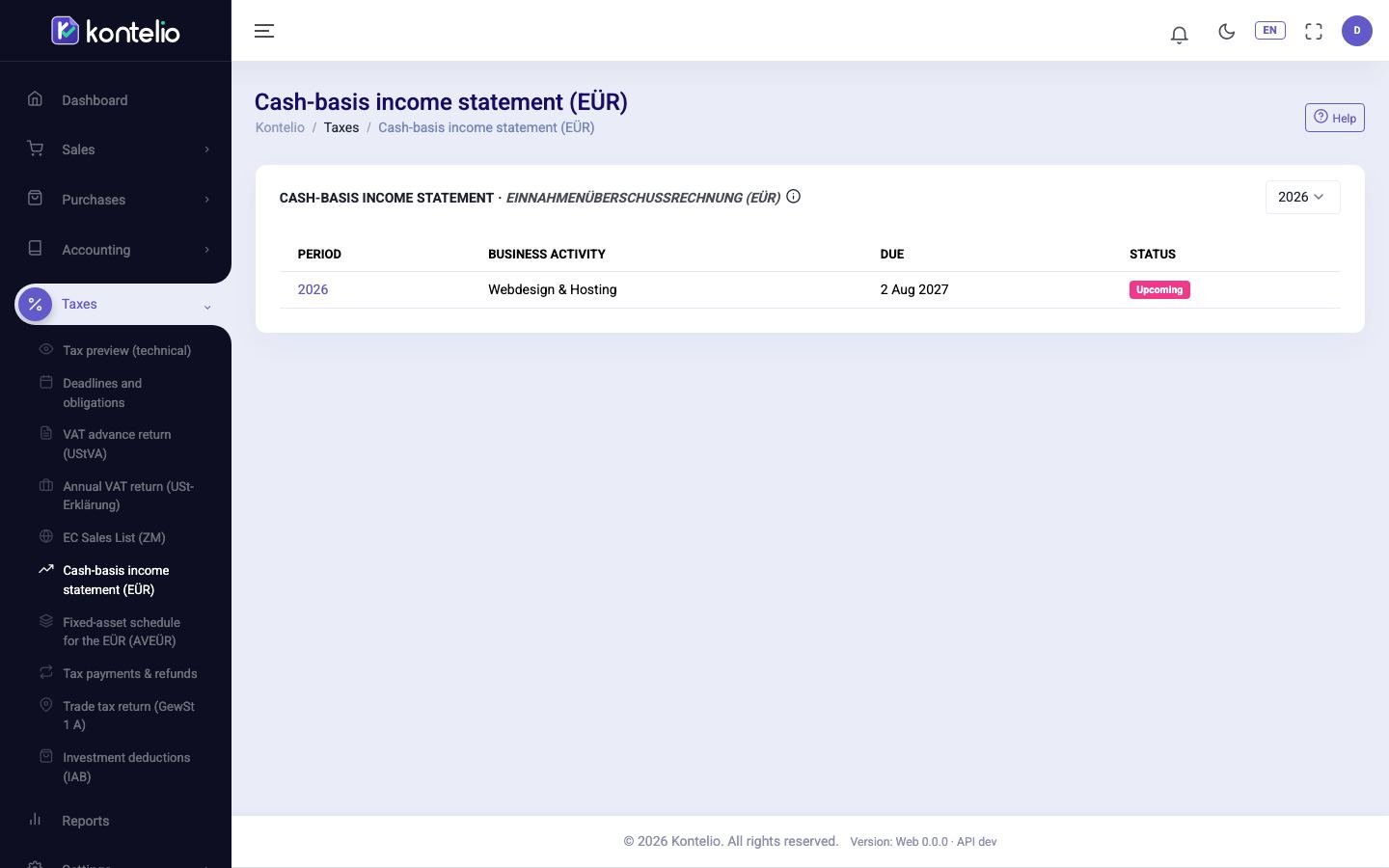
EÜR without the paperwork
Your profit is worked out automatically from income and expenses – assigned to the lines of the Anlage EÜR.
-

Step 8 of 9
Never miss a deadline
All tax dates in one place, with e-mail reminders before a deadline expires.
-
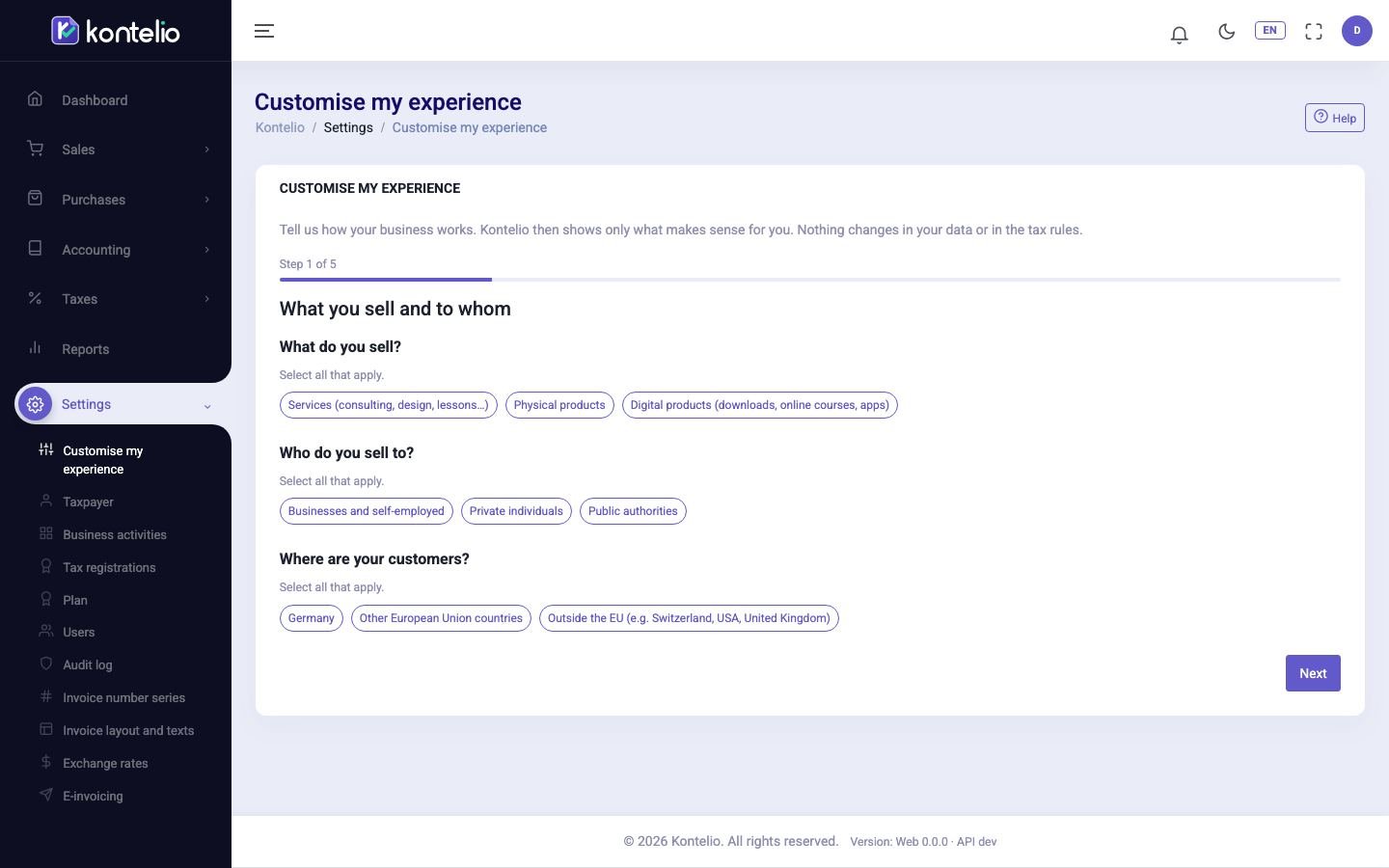
Step 9 of 9
In your language
Kontelio is available in 9 languages. The official German tax terms stay visible, so you can find your way with the tax office (Finanzamt).
-
Ready for your own bookkeeping?
Start for free: 30 days with all features of the Business plan, then continue for free with the Free plan – no credit card.


Tip: use the arrow keys to move through the tour.