Notifications
Read and deal with deadline reminders, tax alerts and suggestions in one place.
Kontelio notifies you when a tax deadline is approaching, when something important has happened in your data or when there is a suggestion for your business profile. Your notifications belong to you alone; other users see their own.
The bell in the header
The bell (Notifications) shows with a number how many notifications you have not read yet. The number is updated about once a minute.
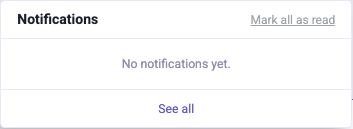
- Click the bell. The ten latest notifications appear; unread ones are highlighted.
- Click a notification to mark it as read and open the related screen, for example the VAT advance return that is due.
- Mark all as read marks all of them as read at once; See all opens the full list.
View all notifications
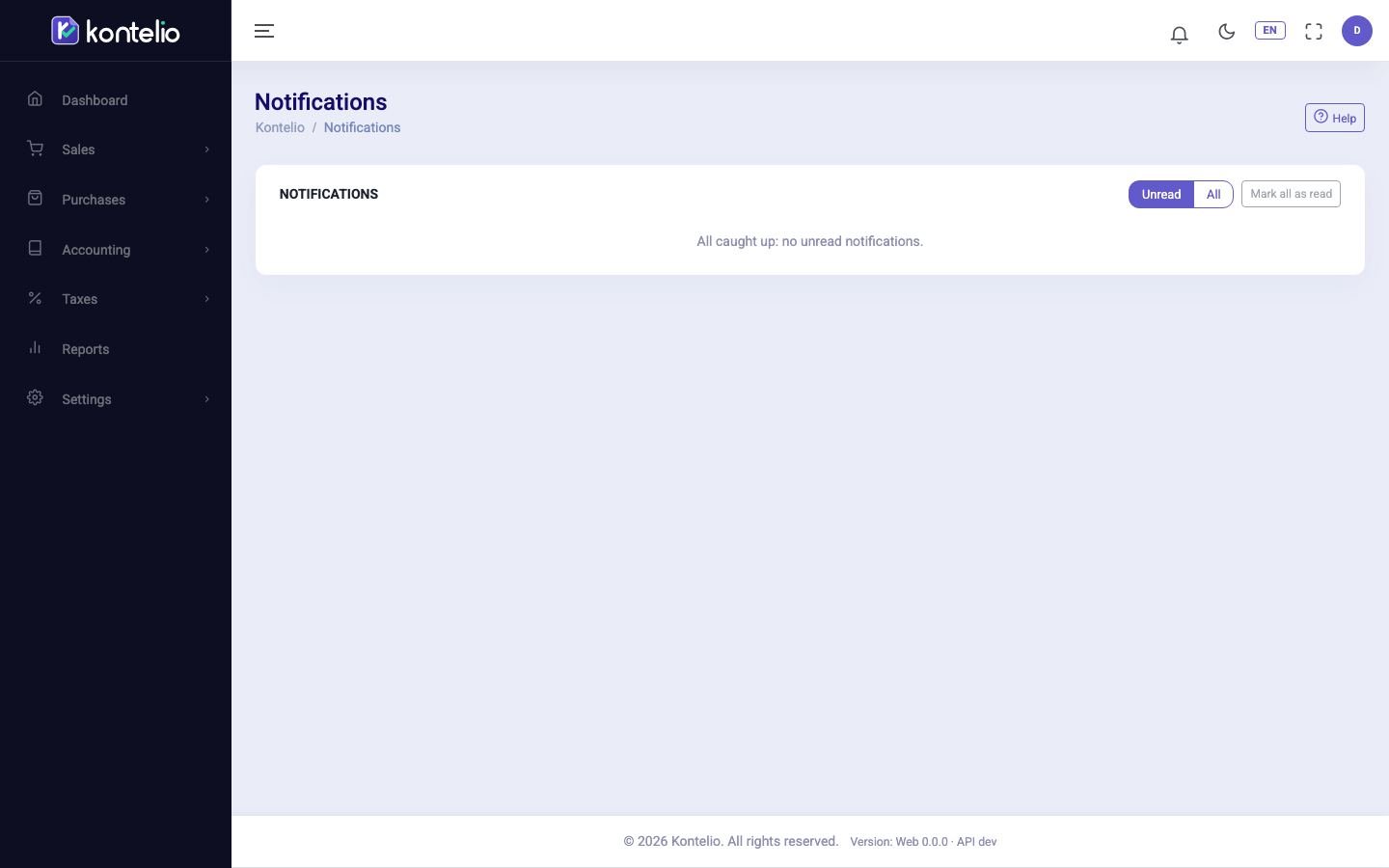
- Under Show, choose either Unread or All. Unread ones carry the New badge.
- Click Open on a notification to go to the screen it concerns. It then counts as read.
- If you only want to tidy up, click Mark as read or, at the top, Mark all as read.
You reach older notifications with Next at the end of the list.
Types of notification
| Type | When it arrives |
|---|---|
| Deadline reminder | 14, 7, 3 and 1 day before a tax deadline and once after it has passed. Only if you have switched on in-app reminders in your Profile. |
| Tax alert: please check | When you approach or exceed the small-business limit, when a finalised return has changed afterwards, when a new tax obligation arises or when the integrity check of the bookkeeping reports a problem. |
| Suggestion to adjust your profile | When your data shows that your business profile does not include a feature you evidently need – for example after your first invoice in a foreign currency. |
| Tip for you | Short tips on using the application. |
| Message from Kontelio | Messages from the Kontelio team. |
Accept or decline suggestions
For a suggestion concerning your profile, two buttons appear right in the list:
- Add to my profile applies the change to your business profile. The related feature is then shown in the Simple mode.
- Not now hides the suggestion. Nothing changes in the profile.
Only users who may change the business settings see these buttons. You also find all open suggestions under Customise my experience.