Profile
Manage your name, language, sessions and deadline reminders.
In your Profile you set what concerns only you personally: your name, the language Kontelio speaks to you in, where you are signed in and how you are reminded of tax deadlines. Open it from the user menu (circle with your initials) with Profile.
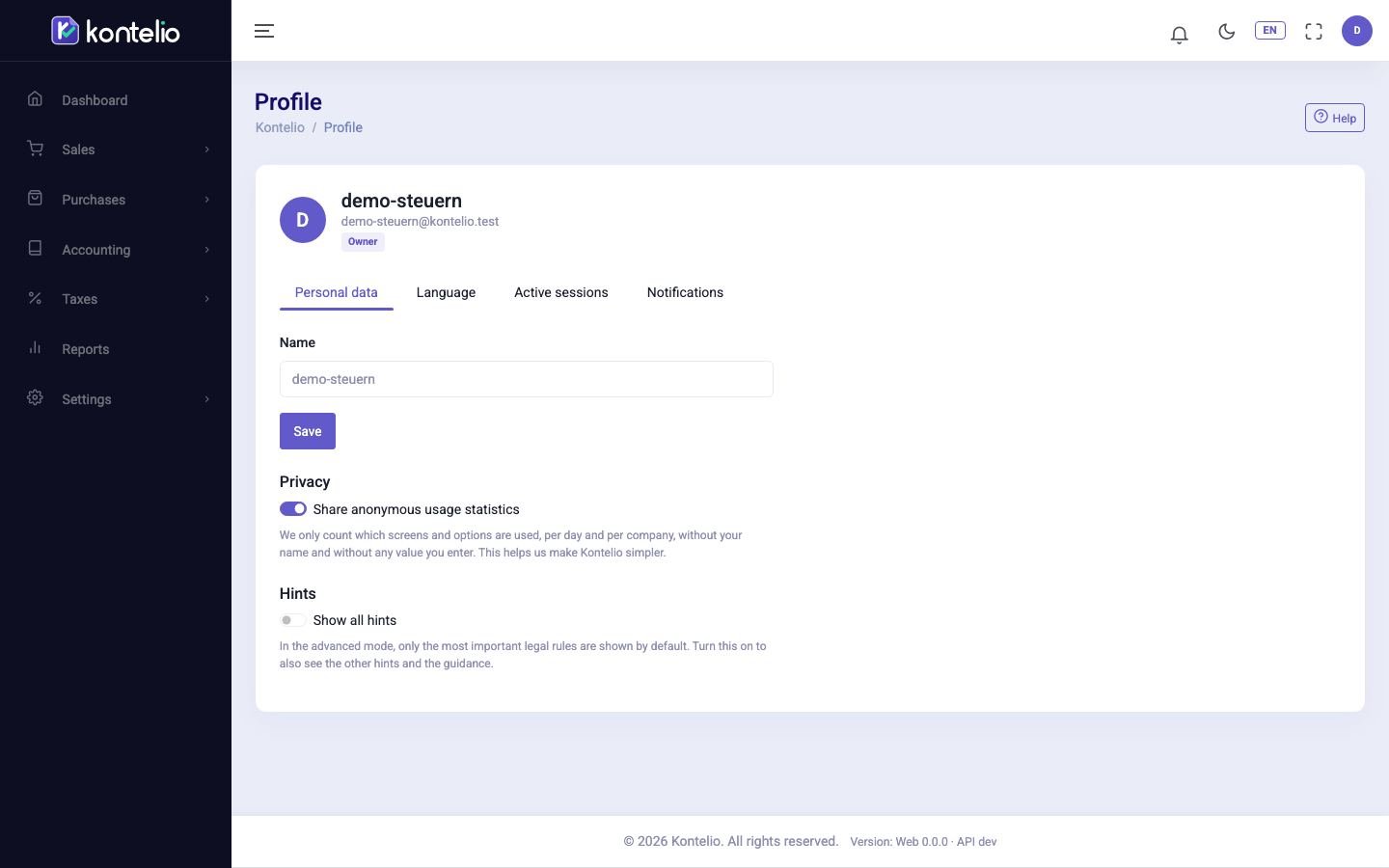
At the top you see your name, your e-mail address and your roles in this business.
Personal data
- Open the Personal data tab.
- In the Name field, change the name shown in Kontelio and in the audit log.
- Click Save.
The same tab has two switches that are saved immediately:
| Switch | Effect |
|---|---|
| Share anonymous usage statistics | Allows anonymous statistics on which pages and options are used – without your name and without any values you enter. Switching it off does not affect any feature. |
| Show all hints | In the Complete mode, Kontelio otherwise only shows the most important legal hints. When switched on, you also see all other explanations. |
Choose the language
- Open the Language tab.
- Under Language of the application, choose one of the nine languages.
The application switches immediately. Your choice is saved in your profile: your next sign-in and the e-mails Kontelio sends you also use this language. You reach the same setting through the language selector in the header.
End sessions
Under Where you are signed in, the Active sessions tab lists every device and browser you are signed in on, with start and last activity. The session you are using right now is marked This session.
- End session signs out a single device, for example someone else's computer.
- Sign out on all devices signs you out everywhere, including here. Do this if you think someone else has access to your account, and then change your password.
You get straight to this tab from the user menu with Active sessions.
Turn on deadline reminders
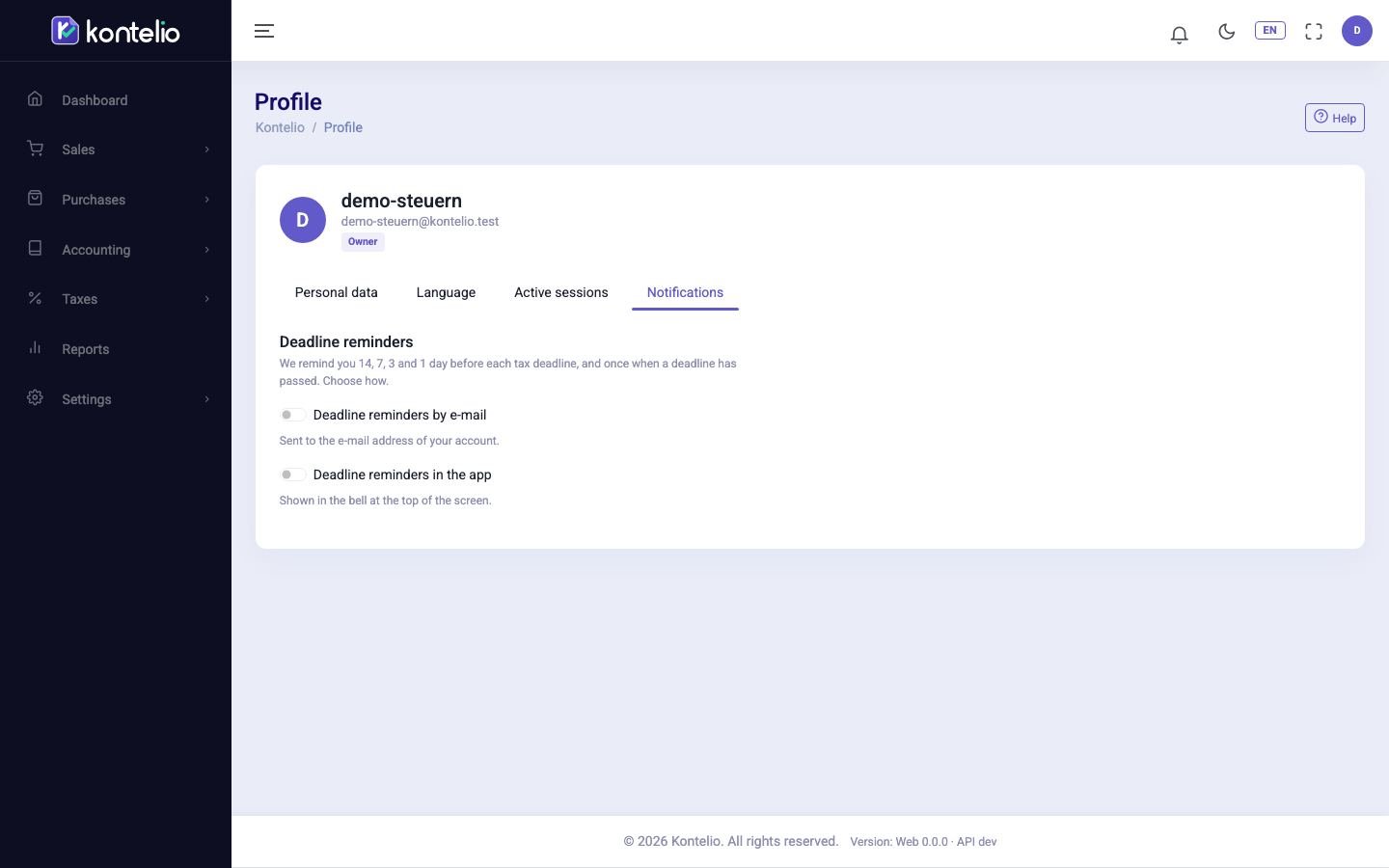
- Open the Notifications tab.
- Switch on Deadline reminders by e-mail, Deadline reminders in the app or both.
The change applies immediately. Kontelio then reminds you 14, 7, 3 and 1 day before every tax deadline and once when a deadline has passed. In-app reminders appear under Notifications. Both channels are off at first.
Good to know
- You do not manage your password and second factor on this screen but through Kontelio's sign-in page.
- Only someone who manages the users under Users can change your roles.
- The Notifications tab only appears once your account belongs to a business.